Typography
Typography carries more of a brand than most people realise. It sets the tone before a single word is read. Visma's custom typeface was created to give our voice a consistent, ownable form across every touchpoint. It balances clarity with personality, and performs at any size, on screen or in print. Treat it as a core brand asset. Use it with care, set it well, and let it do the quiet work of making Visma feel like Visma, wherever it appears.
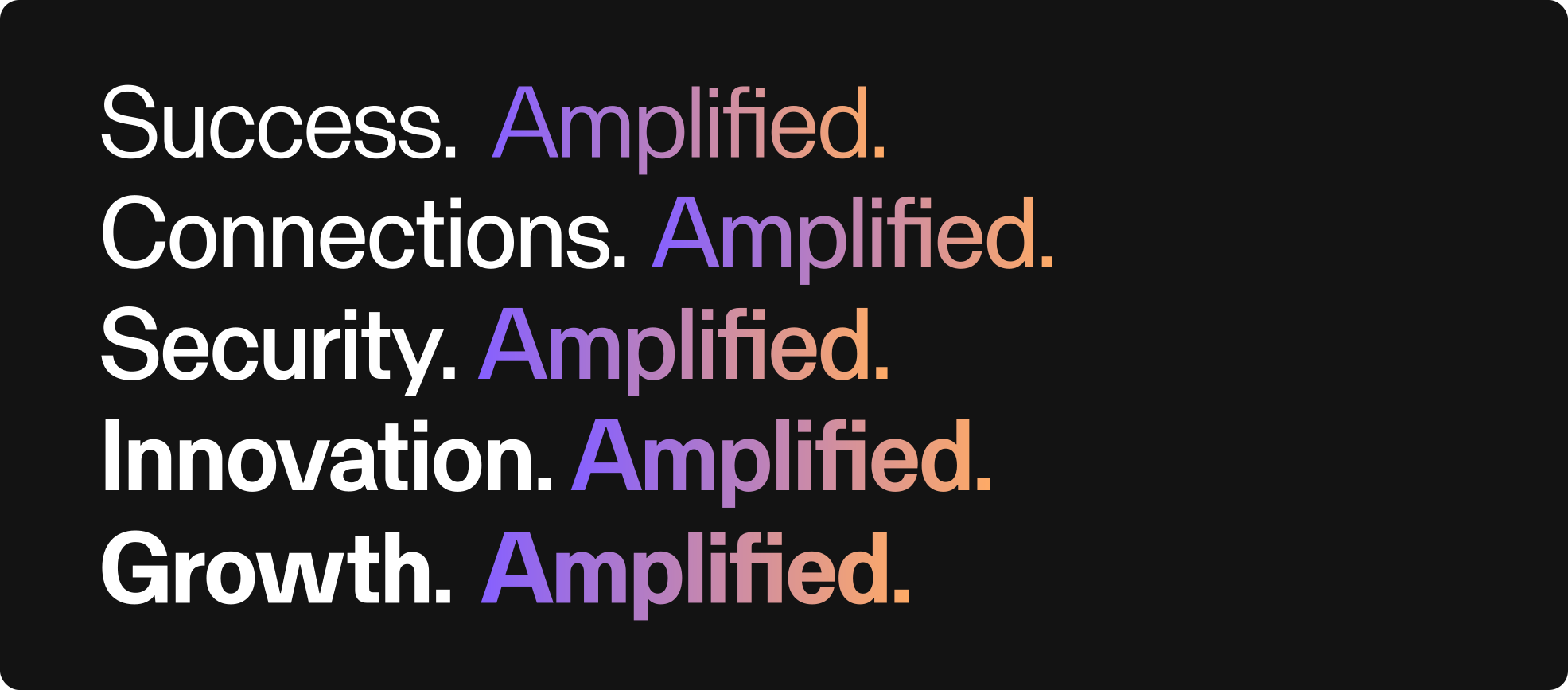
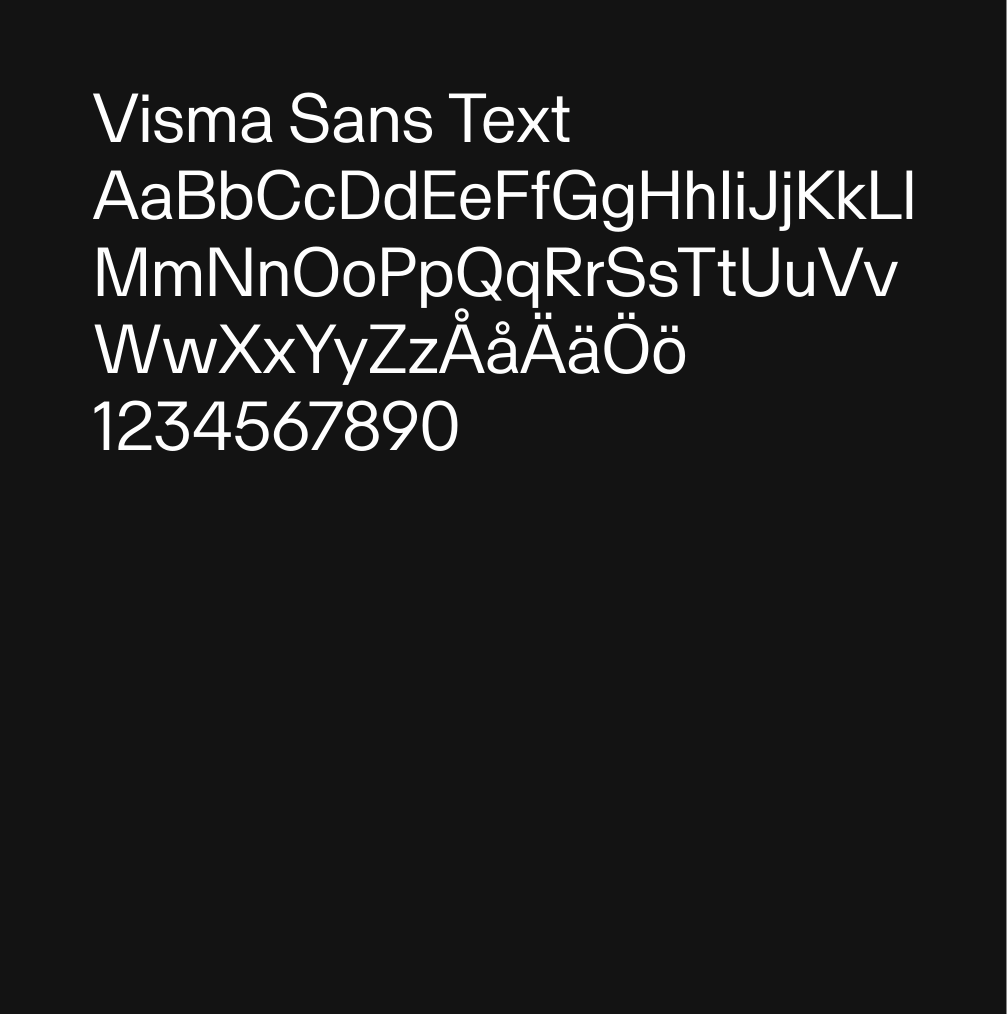
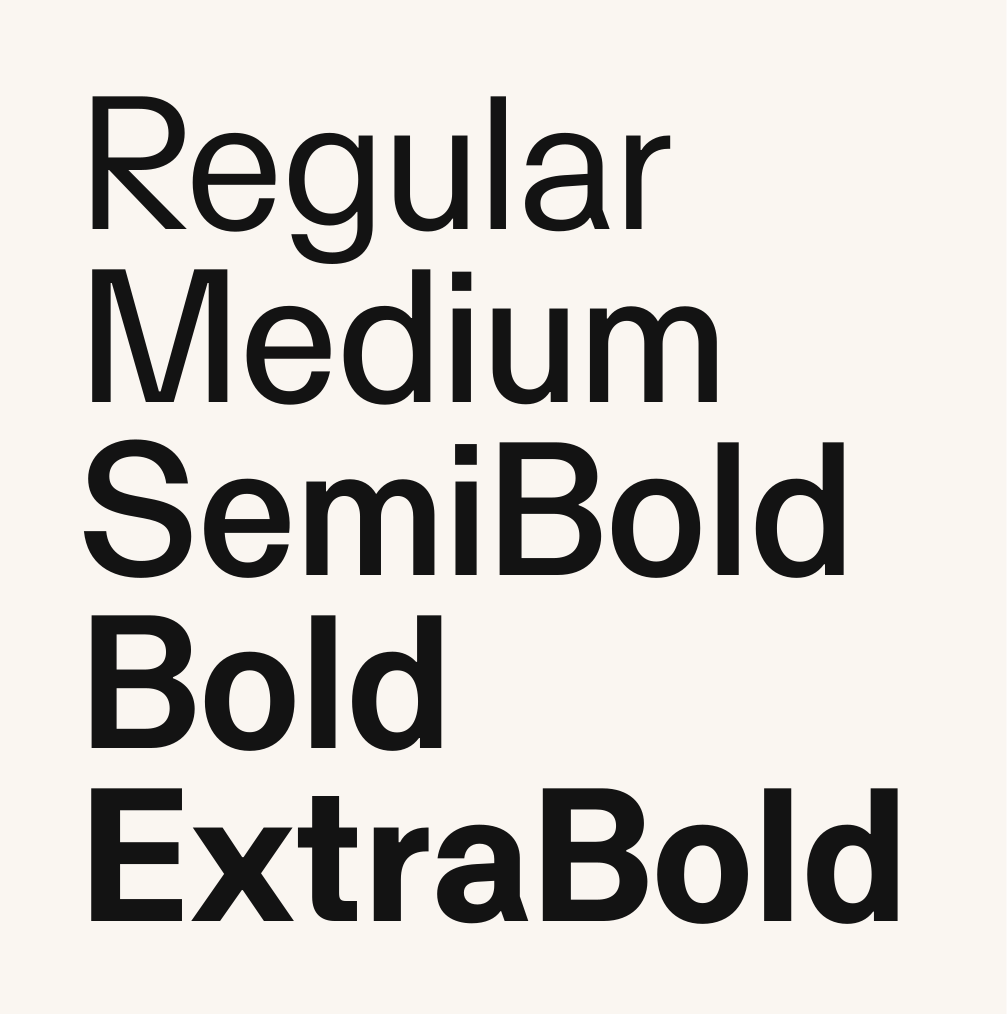
Visma Text.
The brand font.
Visma Text is the foundation of our typography. It is optimised for readability in body copy and functional contexts, ensuring clarity across interfaces and longer texts. It also works confidently in headings and titles, making it the default choice across most communication.
It is available in Google Workspace to everyone on the Visma domain. Just pick Visma Text from the font menu in Docs, Slides and Sheets and you're set, no download or install needed.
For work outside Google Workspace, you can download the font files below.
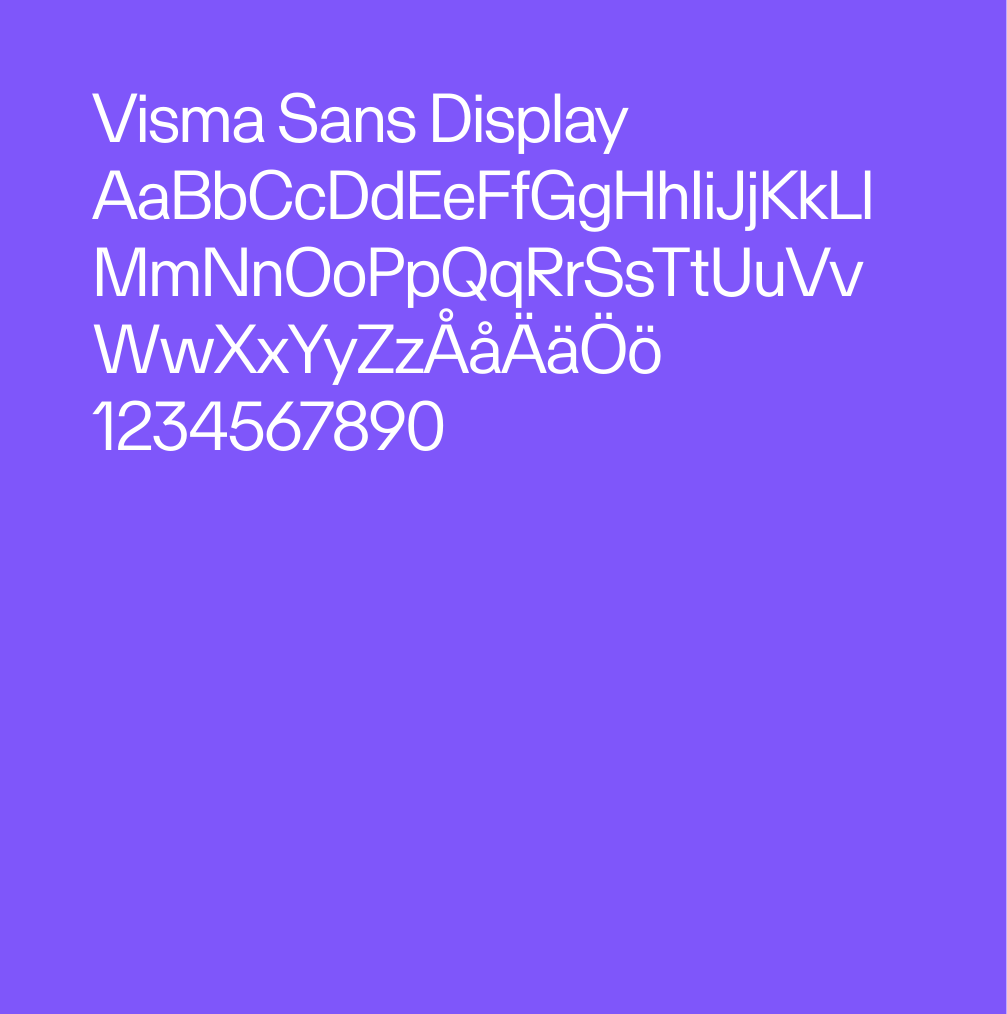
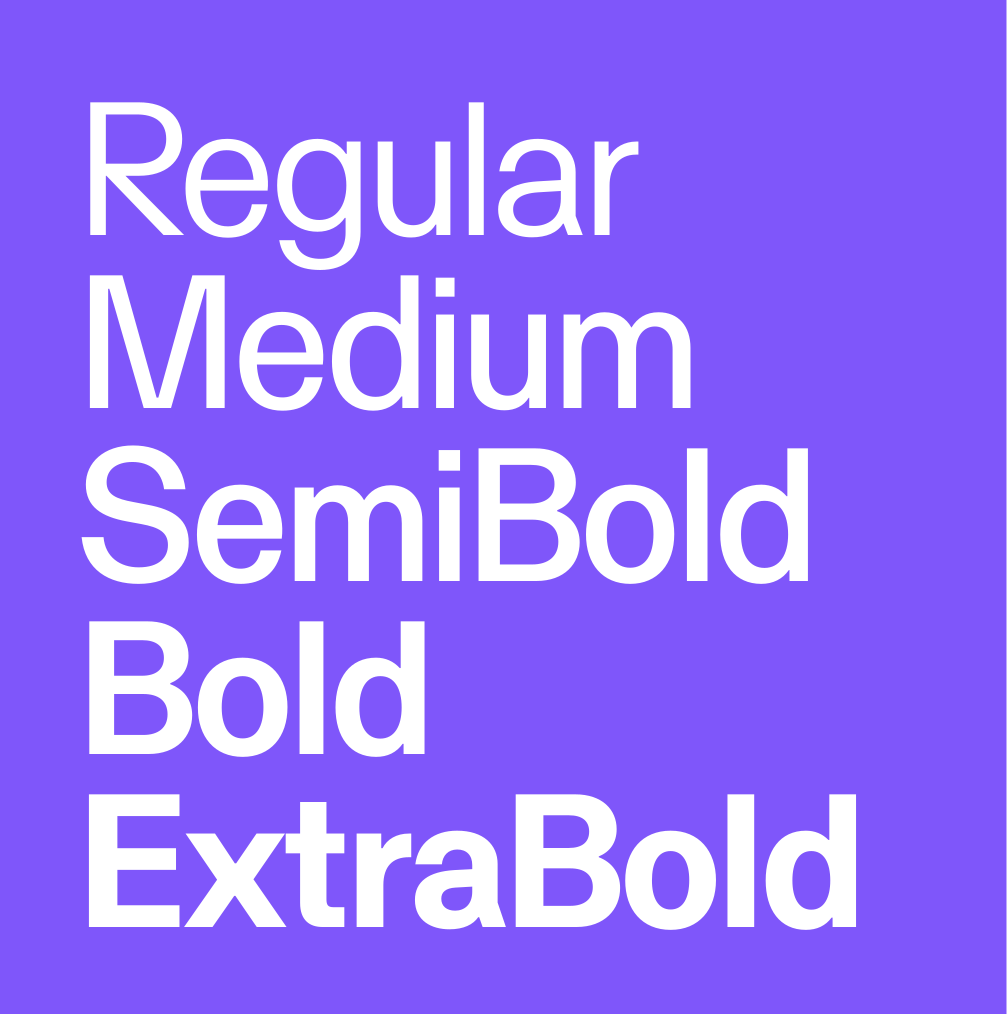
Visma Display.
For designers.
Visma Display carries the brand's voice at large scale. It is built for headlines, covers and brand moments where presence and recognition matter most. Available to designers on request. Visma Display is not intended for body copy and should not be used in long-form text.
If in doubt, use Visma Text. Visma Text in a headline is always safe. Visma Display in body copy is not.
Variable font
Available on request for projects that need full weight and width flexibility, such as motion, interactive work or expressive typographic design.